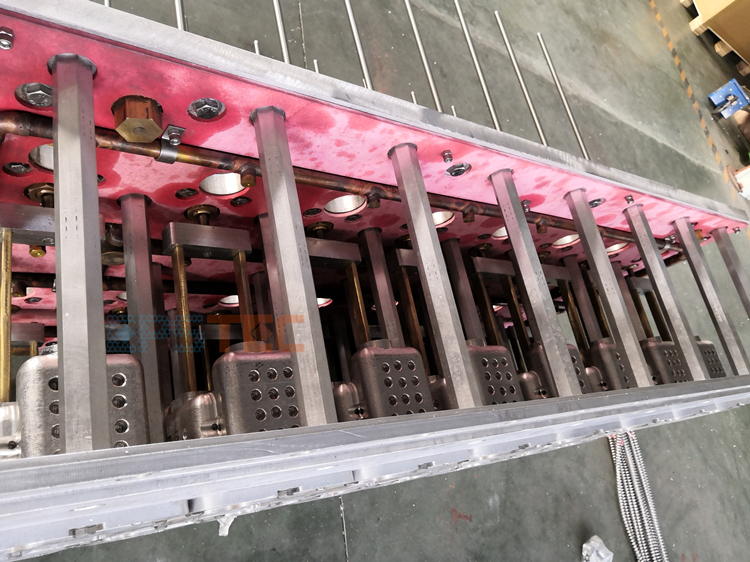


Suit for EPS machine
Description
- Step 1: Press the Delivery Stop button to turn off the conveyor belt.
- Step 2: Press the Crusher Stop button to turn off the crusher.
- Step 3: Press the Feeding Machine Stop button to turn off the feeding fan.
- Step 4: Press the Agitator Stop button to turn off the mixing function.
- Step 5: Wait until there is no product extruded, then press the Main Machine Stop button and Second Extruder Stop button, and rotate the knob to zero the speed.
- Step 6: After the PS extrusion is completed, press the Blower Stop button to turn off the drying fan.

- Step 7: Go to the pelletizer control panel and press the Cutter on/ off button to turn off the pelletizer.

- Step 8: Return to the main electrical control cabinet, Press the Shaker Stop button and Feeding Machine Stop button to turn off the vibrating screen and feed fan.
- Step 9: Start the oil pump and replace the filter mesh for the next use.
- Step 10: Turn off the oil pump.
Video
Leave a Message